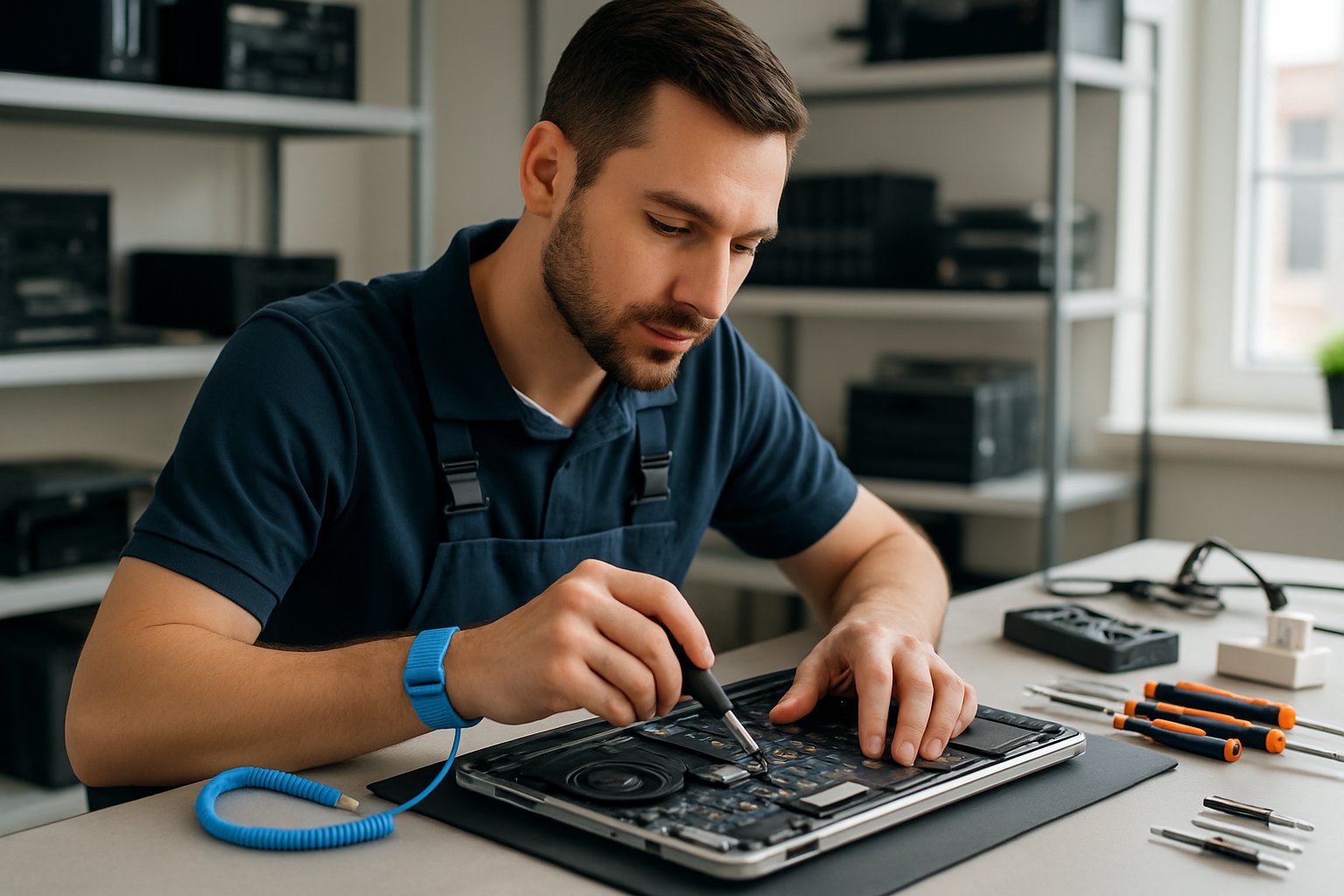
Services, Tips & Local Experts to Fix Your PC or Mac
If your computer starts running slow, crashes a lot, or just won’t boot up, you’ll want a computer repair service you can trust in Tillsonburg. Tillsonburg has very few computer repair specialists, so your choices may be slim, but your decision matters a lot. You want to find a PC and Mac repair dude that offers everything from basic troubleshooting to advanced tech support for both homes and businesses… One such business is Tillsonburg Computer Repair, who has just expanded to service Tillsonburg and Oxford County.
Here’s a quick guide to help you weigh your options, compare local shops, and keep your computers humming along.
Overview of Computer Repair in Tillsonburg
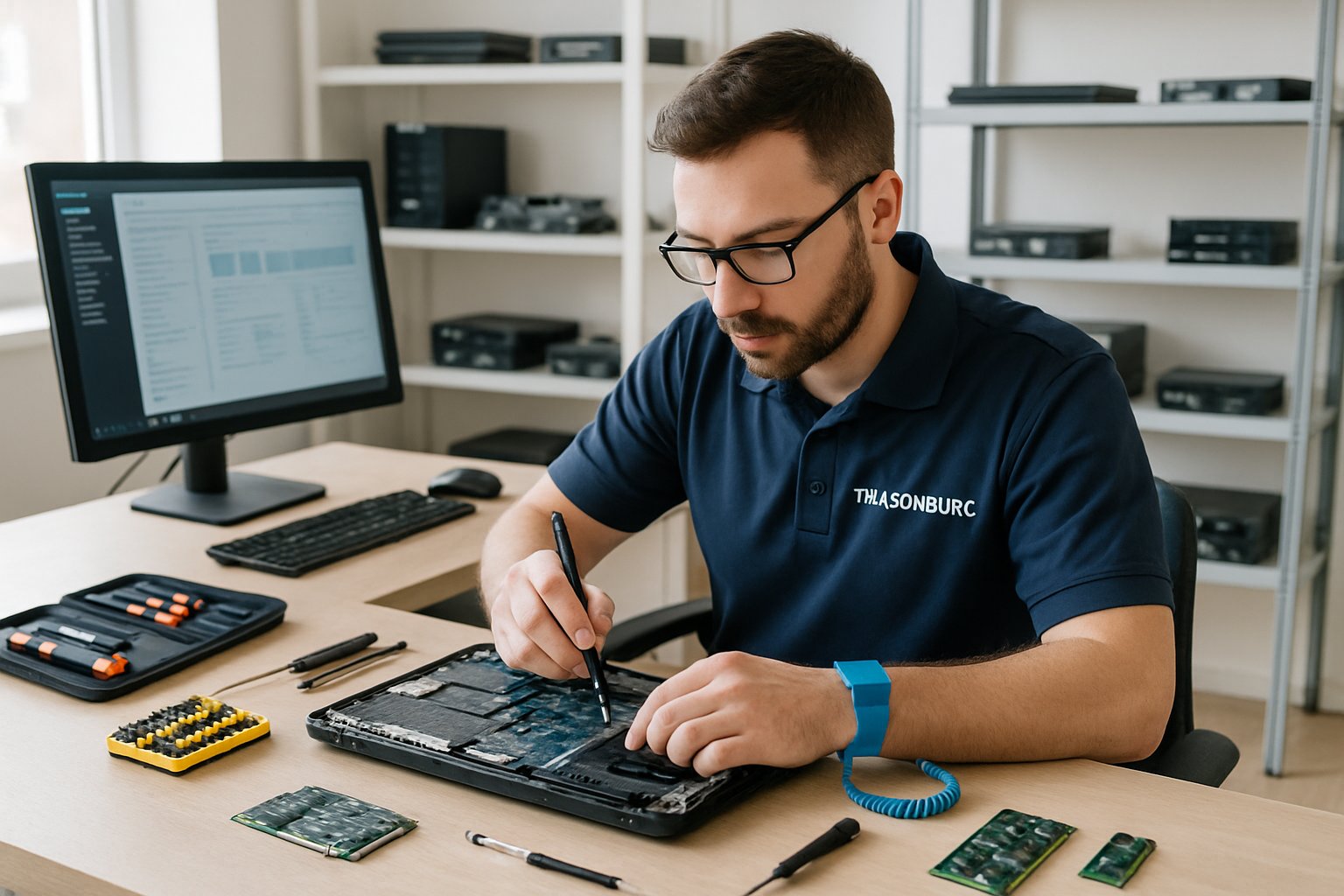
You’ve got plenty of choices for computer repair in Tillsonburg, from virus removal to hardware swaps. Local shops usually turn things around faster and offer more personal support than big-box chains.
Common Computer Issues Addressed
Shops in Tillsonburg see all kinds of computer problems. Virus and malware infections are probably the most common headaches people bring in.
Hardware failures like busted screens, dead hard drives, and overheating parts need a pro’s touch. Upgrading memory or swapping out old parts can add years to your computer’s life.
Software glitches—corrupted operating systems, driver messes—can make your computer refuse to boot. Computer repair services in Tillsonburg run diagnostics to figure these out quickly.
Lost files? Data recovery experts can often retrieve them from damaged drives. Many shops also offer preventive maintenance to help you avoid future disasters.
Network and printer issues pop up a lot for businesses. Techs can set up wireless, troubleshoot internet problems, and get your printers talking to your computers.
Benefits of Local Repair Services
Local repair means you won’t have to ship your device away and wait weeks. Most shops offer same-day diagnostics and quick repairs for common issues.
You get to talk directly to the technician, which makes it easier to explain what’s wrong and ask questions about the fix.
Top computer repair shops in Tillsonburg usually stand behind their work with warranties. If the problem comes back, you’re covered.
Spending your money locally supports Tillsonburg’s small businesses. Over time, you’ll build a relationship with a shop you trust for ongoing support.
Pickup and delivery options save you the hassle of driving across town. Some techs even come to your business for on-site repairs.
Choosing the Right Service Provider
Check out reviews and ratings before picking a repair shop. Look for places with good feedback and experience fixing your type of computer.
Ask about prices upfront so you’re not surprised by extra fees. Some shops have flat rates, while others charge by the hour plus parts.
Make sure the techs have the right certifications and know-how. Experienced staff can usually diagnose issues faster and save you money.
Find out what kind of warranty they offer on repairs and parts. Most reputable places give you at least 30 to 90 days of coverage.
If you have a specific need—like business equipment or gaming PCs—see if the shop specializes in that area.
Services Offered by Tillsonburg Computer Repair Specialists
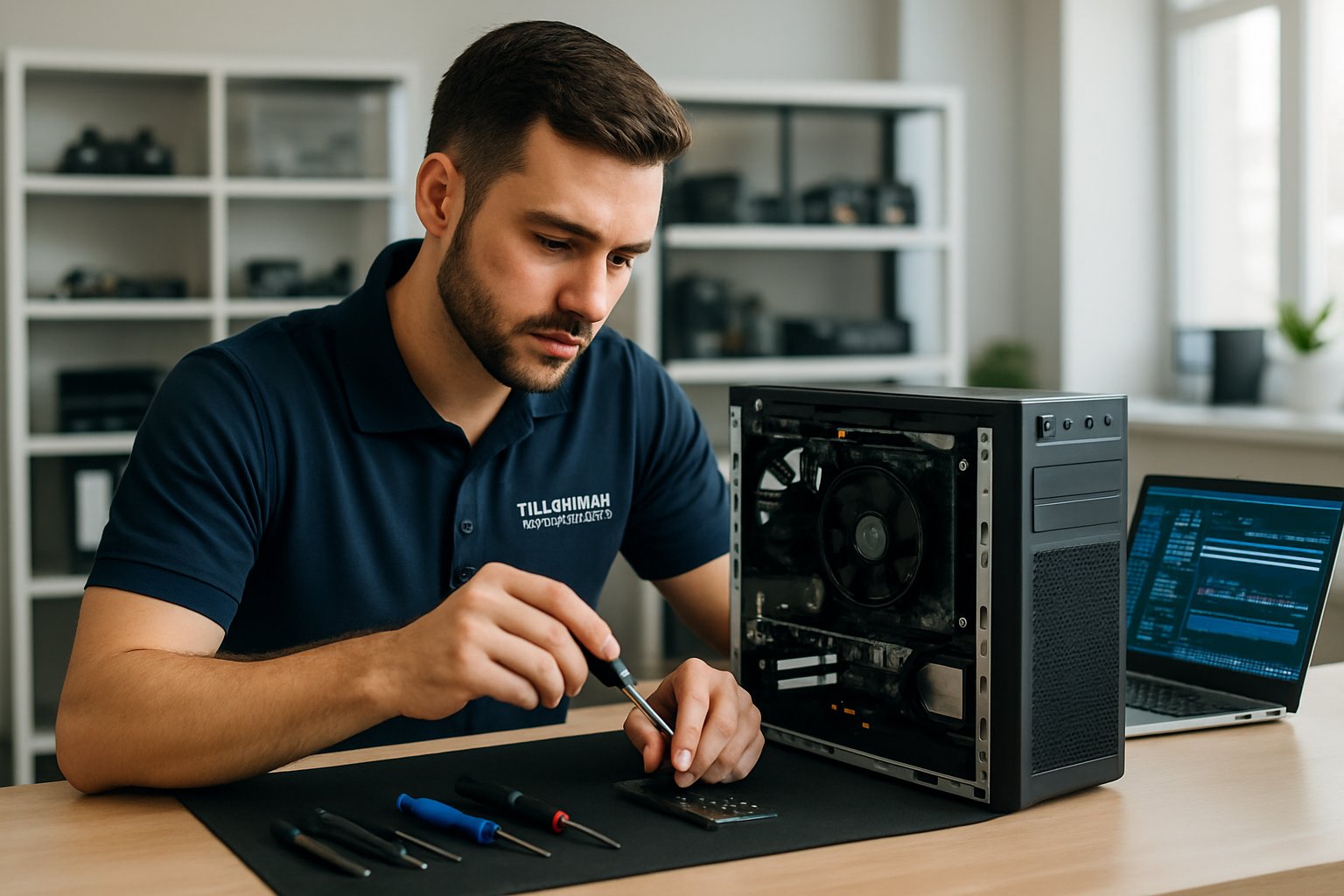
Computer repair specialists in Tillsonburg tackle both hardware and software problems. They’ll diagnose broken parts, remove malware, and rescue lost files.
Hardware Diagnostics and Repairs
Sometimes, your computer’s hardware just fails with no warning. Repair shops use diagnostic tools to check motherboards, hard drives, power supplies, and memory.
They handle jobs like replacing bad RAM, fixing overheating, and installing new drives. Laptop screen repairs, keyboard swaps, and fixing busted ports are also common.
Most shops diagnose hardware issues in a day or two. They test each part to zero in on what’s causing your computer to act up.
Power supply failures cause about 30% of desktop problems, while graphics card issues make up another 20%.
Repair costs depend on what’s broken. Cleaning out fans is cheap, but replacing a motherboard or CPU can get pricey.
Software Troubleshooting and Support
Even if your hardware is fine, software problems can make your computer useless. Techs fix operating system errors, app crashes, and driver headaches.
They’ll reinstall corrupted operating systems or update old software that’s causing trouble. Setting up new programs or moving settings from an old install is common too.
Driver issues are a pain—specialists track down and install the right ones for your machine.
PC repair services in Tillsonburg handle both Windows and Mac, and some can help with Linux if you’re running that.
Boot failures, blue screens, and slow computers are the usual suspects. Most software problems can be fixed without wiping your files.
Virus Removal and Security Solutions
Malware drags your computer down and puts your data at risk. Pros use advanced tools to hunt down and remove viruses, spyware, and ransomware.
They scan your whole system, including hidden corners where malware likes to hide. After cleaning things up, they’ll repair any damage the malware caused.
Technicians install up-to-date antivirus and tweak firewall settings for better security. They’ll also give you tips on safer browsing to help you avoid getting infected again.
Malware removal services usually include installing security software for ongoing protection.
Ransomware attacks are up 41% lately. Sometimes, pros can recover your files without paying the ransom, but it’s not always guaranteed.
Data Recovery and Backup Services
Hard drive failures can wipe out years of files and photos. Data recovery techs use special gear to pull info off damaged drives.
They can recover data from drives with physical issues, corrupted files, or accidental deletions. The faster you get help, the better your chances.
Setting up backups is crucial. Techs can automate backups to an external drive or the cloud.
If your drive is physically damaged, recovery costs can jump. Logical errors or accidental deletions are usually cheaper to fix.
Most data recoveries work out if you stop using the drive right after it fails. Keep using it, and your odds drop fast.
Leading Computer Repair Providers in Tillsonburg
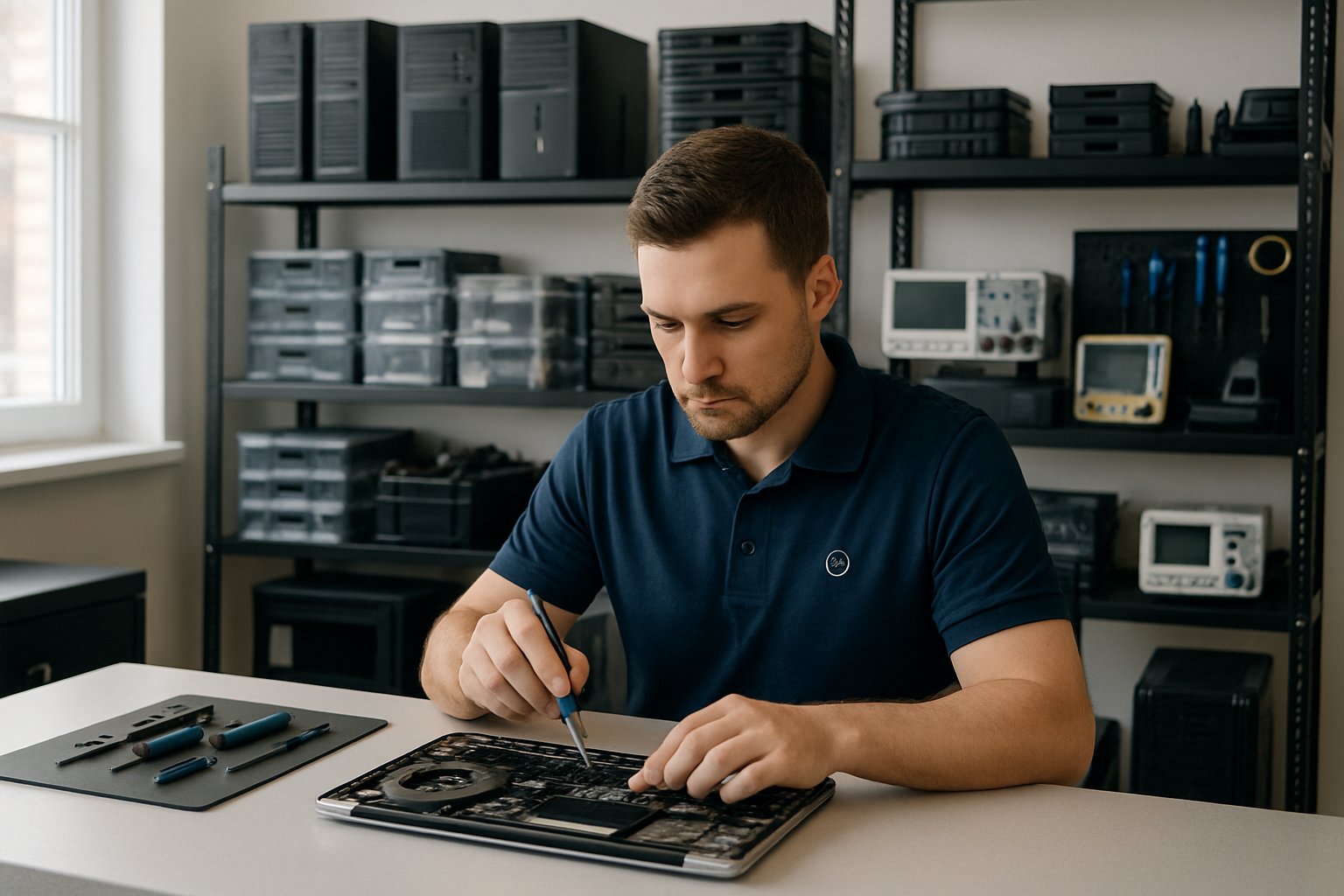
Tillsonburg has some established computer repair shops—some focus on custom system builds, others offer mobile repairs, and a few do a bit of everything.
Tillsonburg Computer Repair
A newer entity on the Tillsonburg scene, this fantastic operation is an expansion of a successful Simcoe computer repair business. With Tillsonburg being a nearby centre, it seemed like a logical expansion location.
With 48 hour repair windows, rapid communication, and the most transparent computer, PC, and Apple computer pricing in the area, it’s easy to see why they have become so popular. With a simple base fee of $150, most of your problems can be solved without any stunning surprise bills. Keep in mind, a lot of today’s computer problems stem from outdated hard drive types (HDD’s), so replacing those is a common job. Replacing old HDD’s with modern (and fast) SSD’s, you’re usually looking at $100 to $160 (500 GB to 1000 GB). So for just around $300, you end up with a wicked fast computer in next to no time at all.
Personal Computer Systems
Personal Computer Systems is one of the main PC sales and service shops in town. They handle repairs, custom builds, and network setups.
Their techs fix desktops and laptops, plus printers, viruses, and hardware problems at their Broadway location.
They’re known for custom-built systems and Linux workstations, and they install servers for businesses.
You’ll find printer supplies, cables, software, and networking gear in their store too. Need security cameras or printer cartridges? They’ve got those.
They also do network installs—wired or wireless—and set up commercial kiosk systems.
JLH Computing
JLH Computing is among the top-rated repair shops in Tillsonburg. They focus on desktop and laptop repairs for locals.
They handle slow computers, virus infections, and hardware breakdowns. Bring your machine in for a diagnosis and repair.
JLH works on all sorts of brands and models. They’ll swap out hard drives, upgrade memory, and fix software snags.
They serve both home users and small businesses. You’ll get an estimate before they start any work.
Mobile and On-site Services
Some shops in Tillsonburg come to you. Mobile repair services save you a trip and fix your computer at your home or office.
On-site techs handle network setup, printer installs, and software problems right where you are.
Mobile services can cost more than in-shop repairs, but the convenience is hard to beat. Many offer evening appointments if you can’t do daytime.
Mobile techs can do virus removal, system cleanups, and software installs. They usually carry common parts for quick fixes, but not always everything.
Custom Solutions and Advanced Support Options
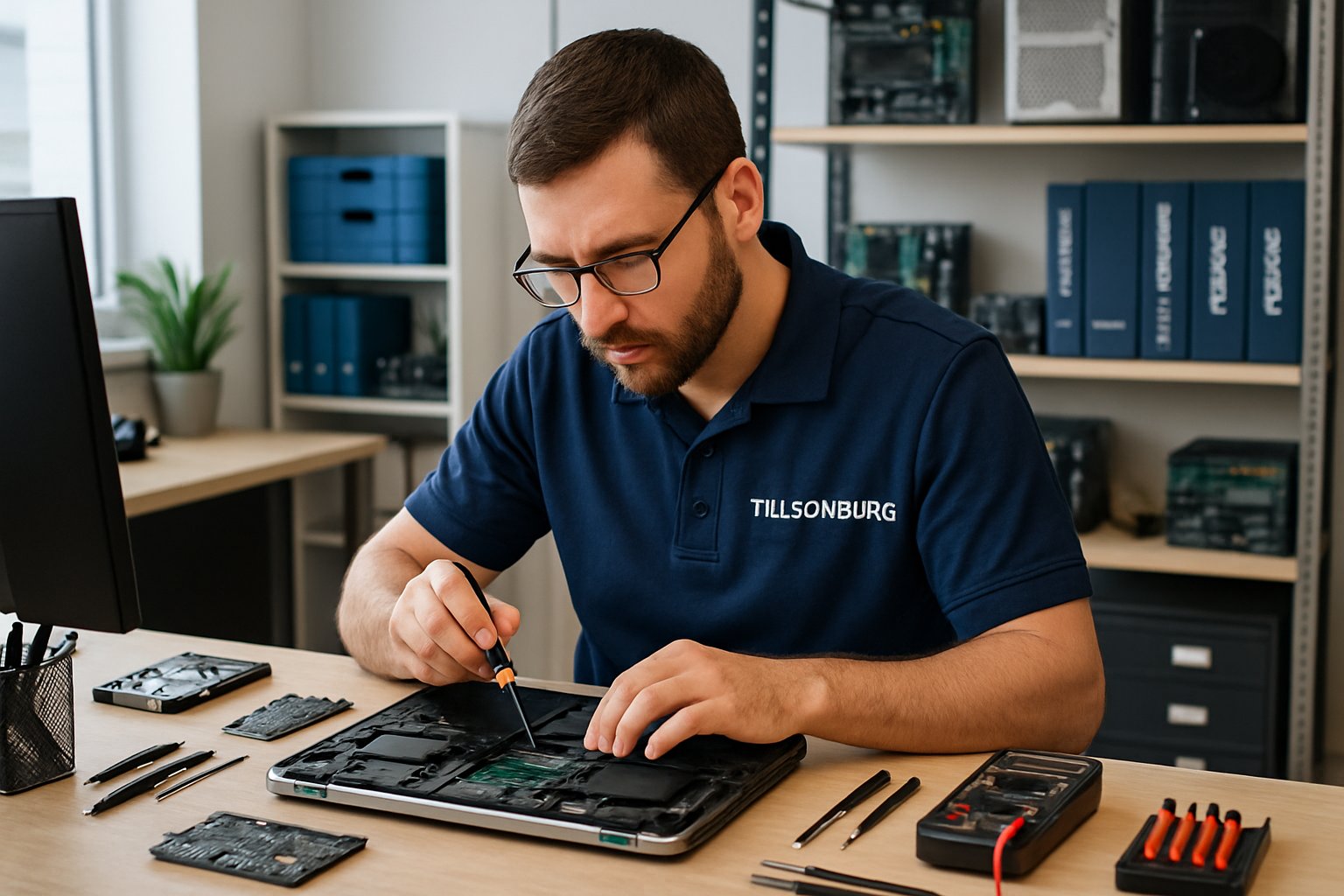
Local shops go beyond basic repairs. They’ll build custom computers, set up networks, and offer business IT support to keep things running with less stress.
Custom Built Computer Systems
Building a custom computer lets you pick exactly what you need—no paying for stuff you’ll never use.
Gamers want fast graphics and processors. Office work? You probably just need solid storage and enough RAM. Budget builds skip the frills but still get the job done.
Custom builds often cost 10-15% less than similar pre-builts. Plus, you’ll know what’s inside and have better upgrade options down the road.
It usually takes 3-5 business days to build after parts arrive. They’ll test everything before you pick it up or get it delivered.
Network Installation and Wireless Setup
Professional network installs can fix dead zones and slow connections at home or the office. Good cable management and smart router placement make a big difference.
Wireless networks need careful setup to avoid interference. If you’ve ever had your Wi-Fi drop for no reason, you know how annoying that can be.
Business networks need extra security and user controls. Setting up a guest network keeps visitors off your main systems.
Network solutions can include running cables through walls, installing switches, and placing wireless access points. Getting it done right the first time prevents headaches.
Most homes are done in a few hours. Bigger business setups can take a full day, depending on what’s needed.
Business IT Solutions
Small businesses need reliable computers but can’t always hire a full-time IT person. Managed services give you ongoing support for a monthly fee.
Regular checkups prevent downtime and data disasters. Updates, backups, and security checks happen in the background, so you don’t have to worry.
Remote support solves a lot of problems instantly. Techs can log in securely and fix things without coming on-site.
Service agreements usually cover hardware checks, software updates, and quick response times. Emergency support is there for the big problems.
Expect to pay $50-200 per computer each month, depending on your needs. It’s easier to budget than getting hit with surprise repair bills.
Tips for Maintaining Your Personal Computer Systems
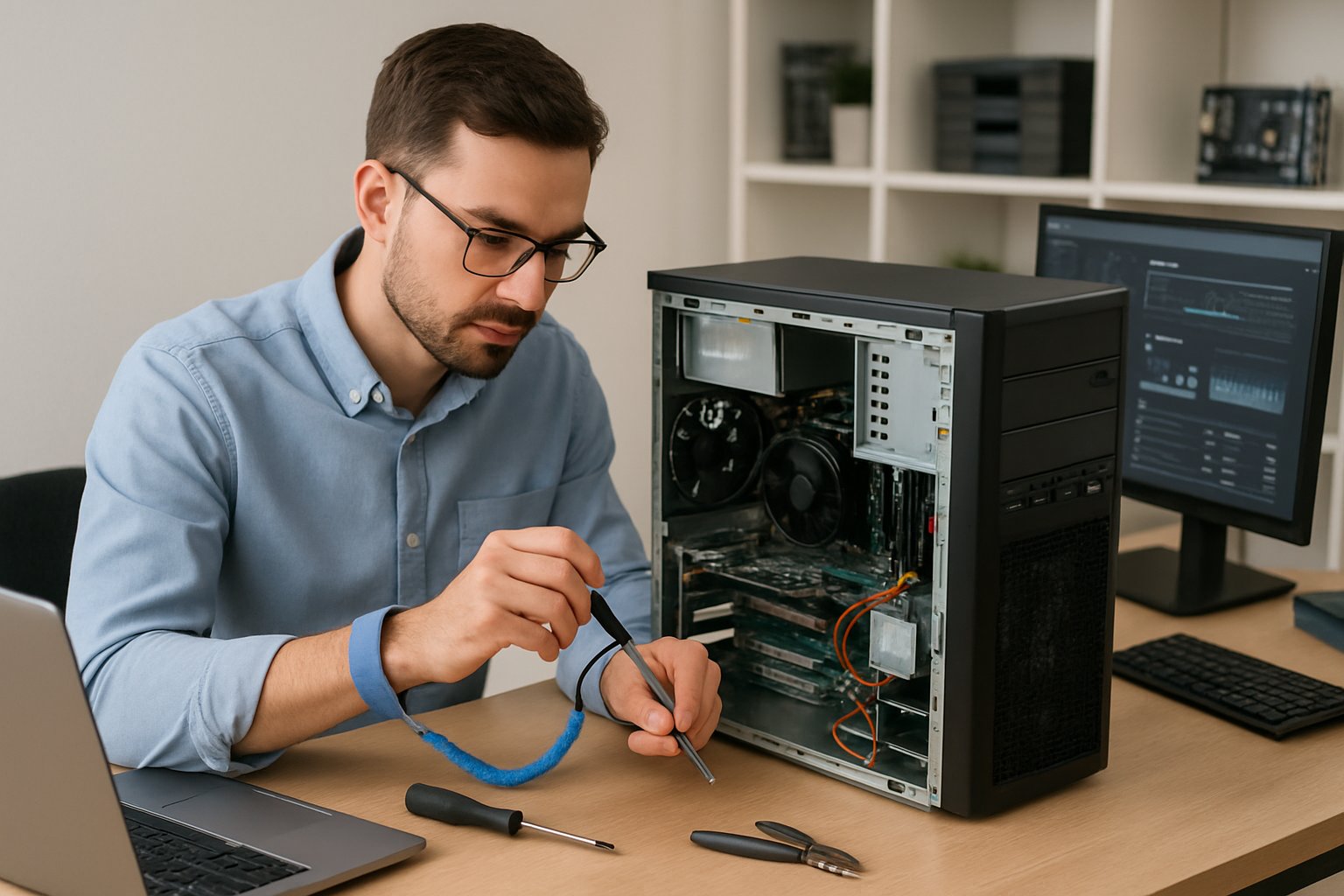
A little regular maintenance goes a long way—cleaning, updates, and good security habits keep your computer healthy and your data safe.
Regular Maintenance Practices
Wipe down your computer and keyboard once a week with a microfiber cloth and some compressed air. Dust can clog vents and cause overheating.
Check your hard drive space every month and delete stuff you don’t need. When storage gets above 85%, things start to slow down. Don’t forget to empty your recycle bin and clear out downloads.
Run disk cleanup tools every couple of weeks. You’ll free up space and maybe even notice a speed boost.
Restart your computer at least once a week. It clears out memory and lets updates install. Leaving your computer on for weeks straight can lead to slowdowns.
Keep an eye on your computer’s temperature with built-in tools. If it’s running hot, you might have blocked vents or a failing fan.
Try to keep your desktop tidy—too many shortcuts can slow down startup and make things feel cluttered.
Updating Software and Security
Go ahead and install operating system updates as soon as you see them. These updates close security gaps and fix problems hackers love to exploit.
Set your antivirus software to update itself automatically. Run a full system scan at least once a week. Malware and virus removal tools help guard against new threats and can save you from losing data.
Turn on automatic updates for important programs, like your web browser or PDF reader. Old versions of software are basically open doors for cybercriminals.
Before you install new software or make any big changes, create a system restore point. If something goes wrong, you can roll things back without sacrificing your files.
Use passwords that are at least 12 characters long, and mix in numbers and symbols. For sensitive accounts, try to change your passwords every 90 days.
Back up your important files to an external drive or a cloud service at least once a month. Hardware can fail without warning, and losing years of work is nobody’s idea of fun.
Choosing Reliable Accessories
Get yourself a decent surge protector—don’t just grab the cheapest power strip you can find. Those bargain strips won’t protect your gear during a storm or sudden power spike.
If you’re running a desktop, consider a solid uninterruptible power supply (UPS). Power outages can mess up your files or even wreck your hard drive if the machine shuts down the wrong way.
Stick with accessories from brands that actually stand behind their products. I’ve seen generic stuff quit after a few months, and good luck getting any help when it does.
Double-check that your accessories match your computer’s specs. Wrong voltage adapters or memory that doesn’t fit can seriously mess things up.
Swap out old cables and connectors before they totally give up. Frayed cords or loose USB ports can cause weird glitches that are a pain to track down.
Keep extra accessories somewhere dry and out of the sun. Heat and moisture slowly ruin electronics—trust me, it’s not worth the risk.
Tillsonburg Computer Repair
Get in touch with them soon!